Driive
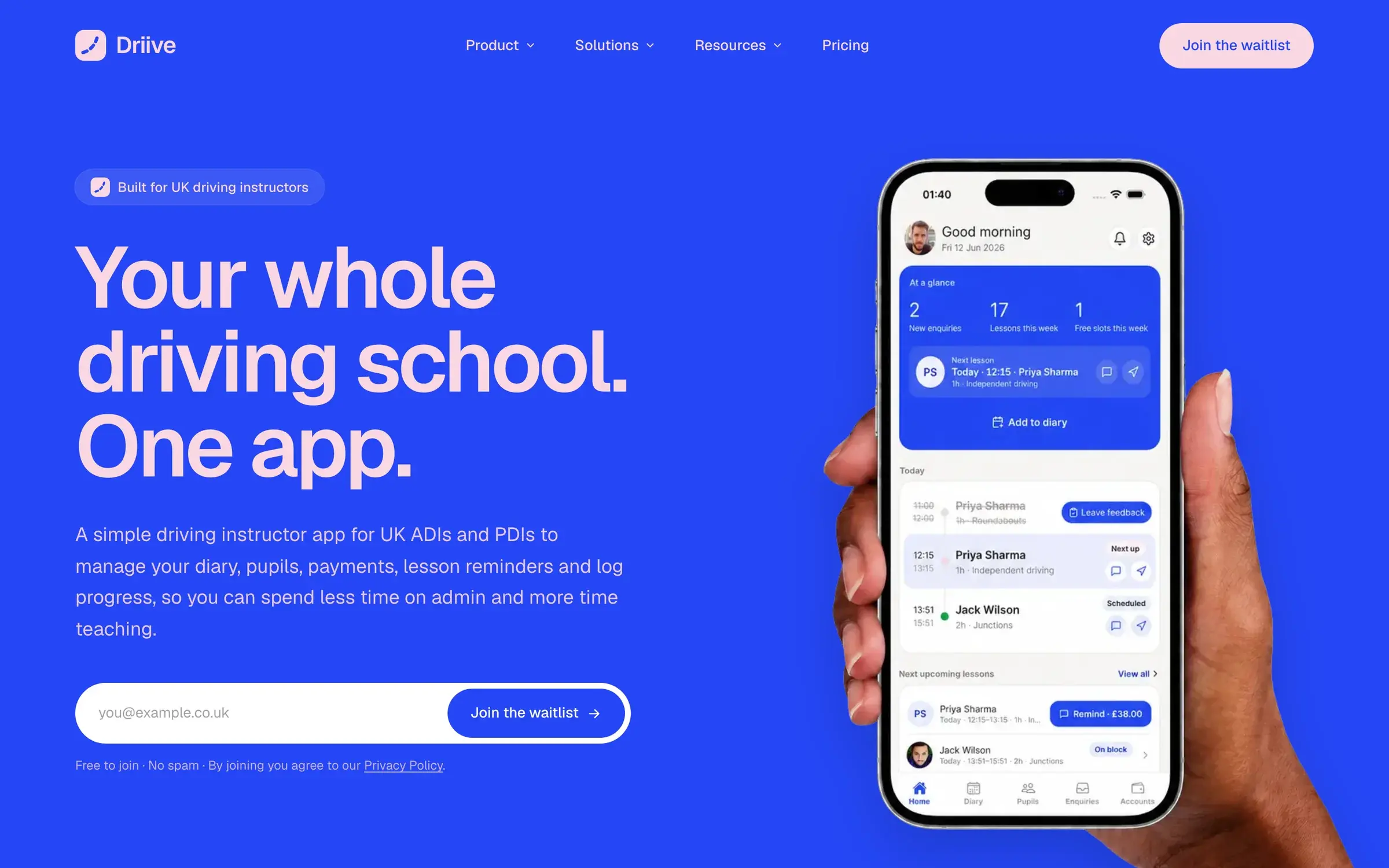
Driive gives UK driving instructors one app for their diary, pupils, payments and progress, plus a website that brings in new pupils. We designed and built the iOS and Android app, the web dashboard and the marketing site.
- Sector
- Driving education
- Platform
- iOS, Android and web
- What we did
- Product design, Mobile app, Web dashboard, Website, Development
- See it live
- driive.app
The brief
Instructors lose their evenings to admin: chasing payments, rebooking pupils, keeping a diary across texts and notes. Driive wanted one app that takes all of that away, simple enough to use between lessons.
How we approached it
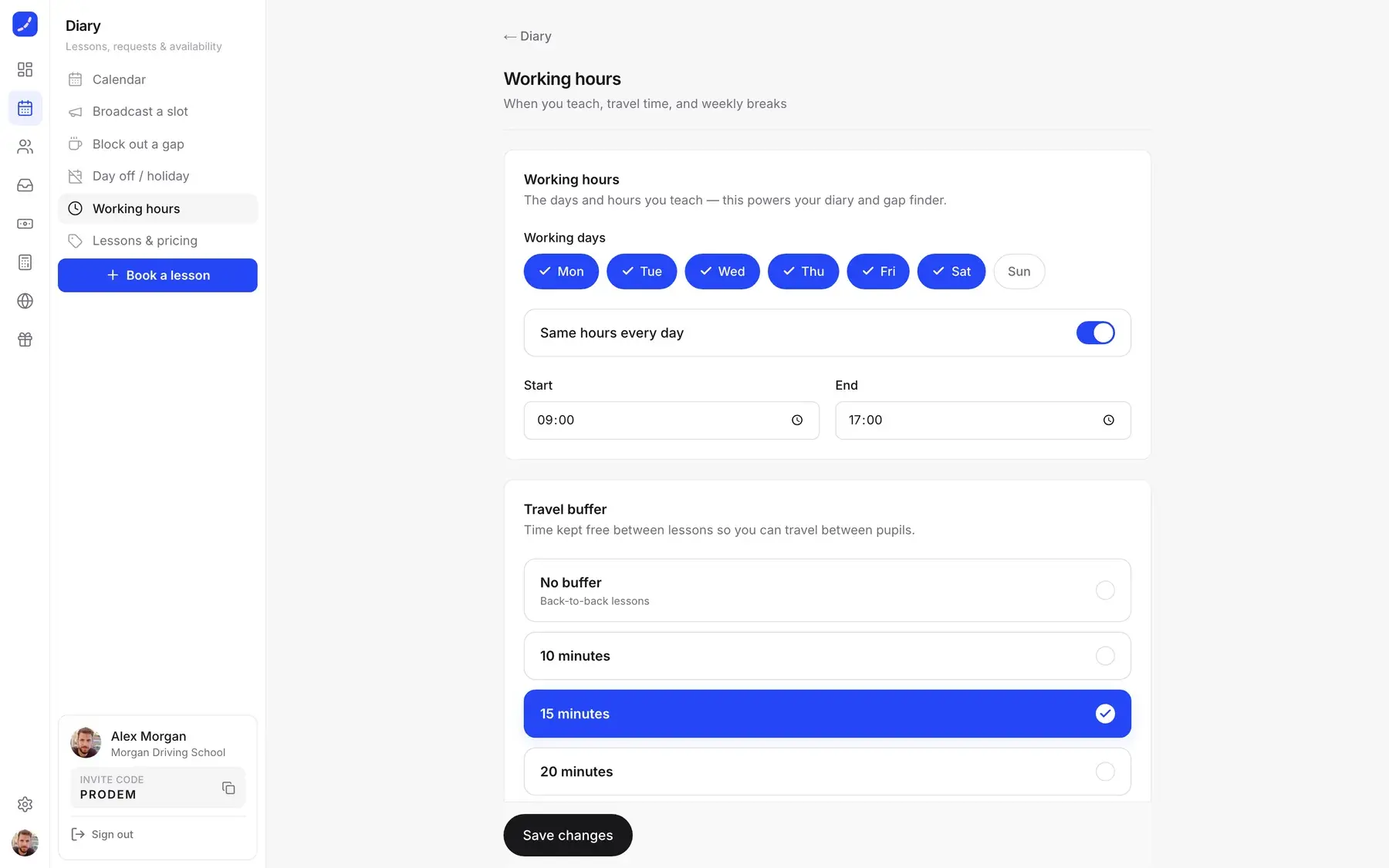
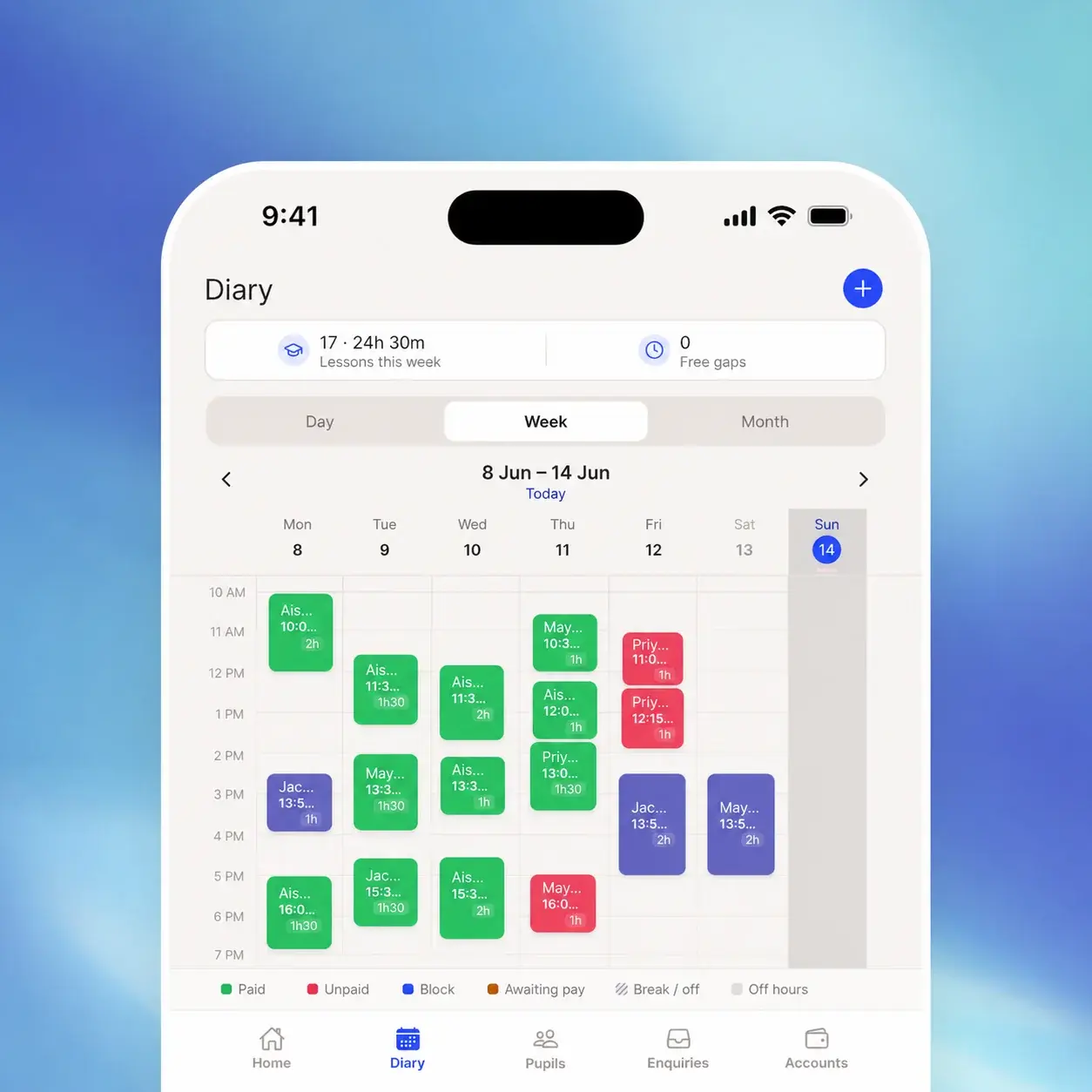
We built the diary first, because that is where an instructor's day lives. Working hours and travel time between pupils shape every booking. Money sits one tap away, with a reminder ready for any unpaid lesson, and the same account runs on iPhone, Android and the web.
What we delivered
Diary
Day and week views, working hours, travel buffers, and free slots sent to the waiting list.
Pupils and progress
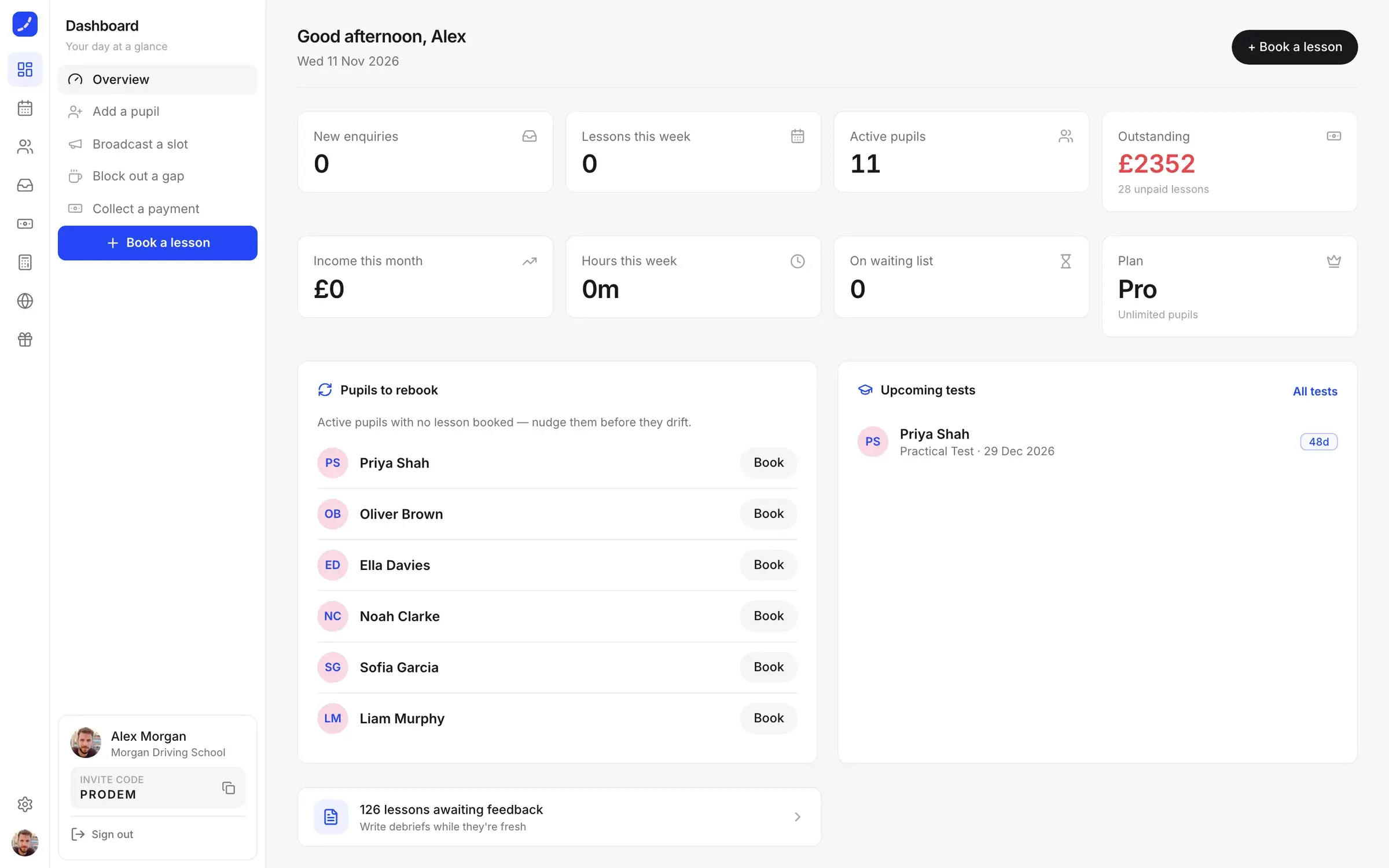
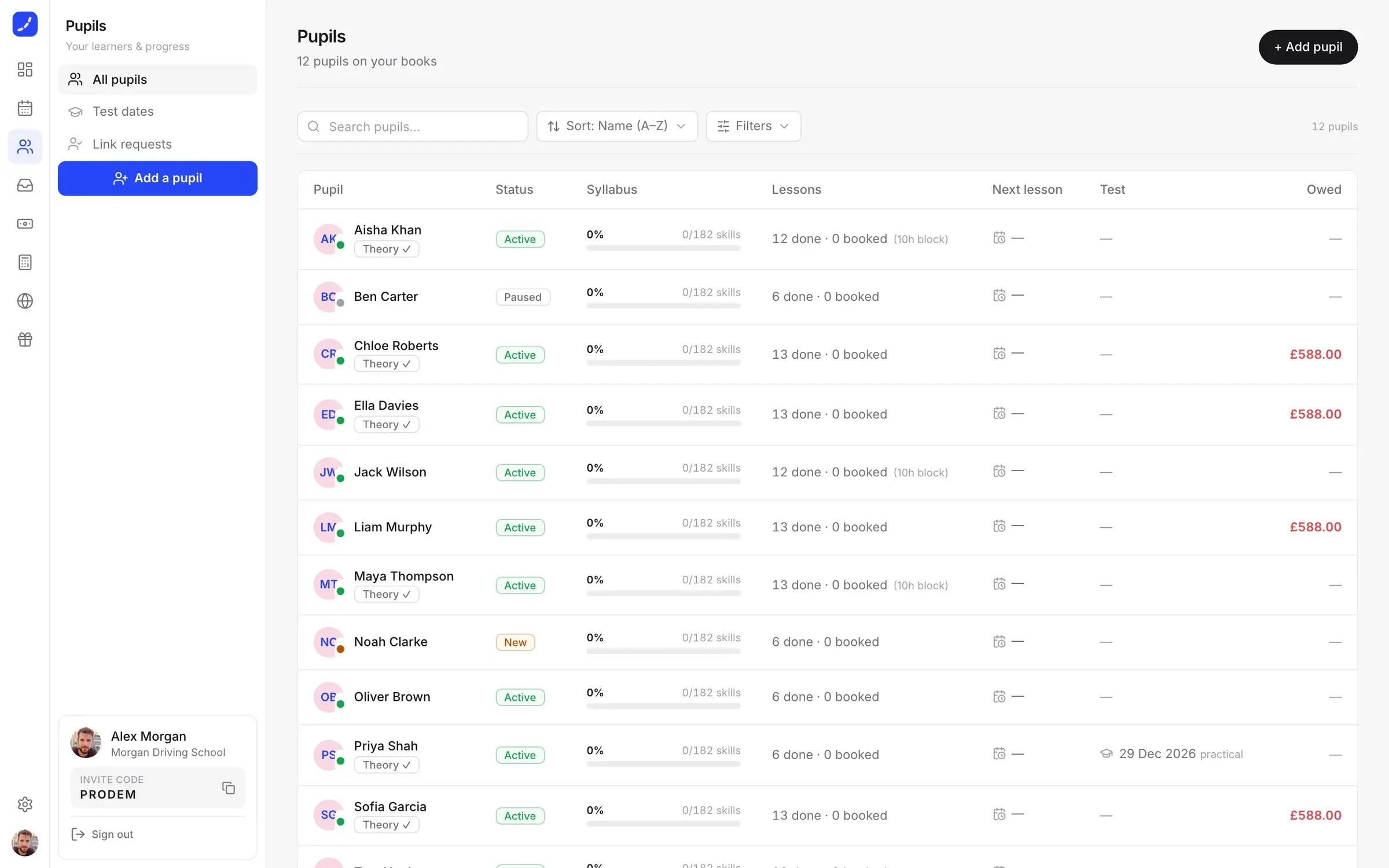
Syllabus progress, lessons, test dates and balance for every pupil.
Payments
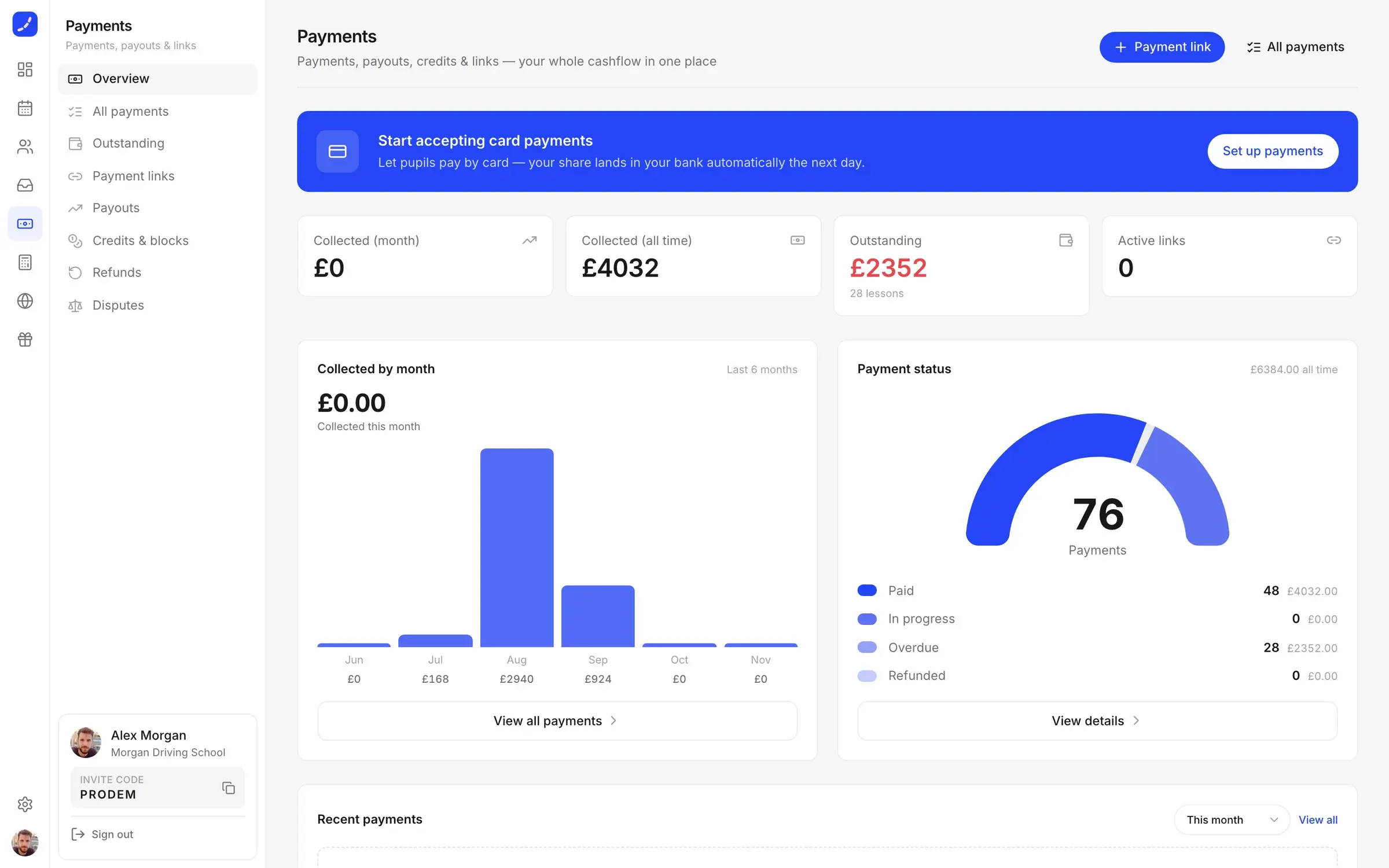
Card payments, payment links and one-tap reminders for unpaid lessons.
Accounts
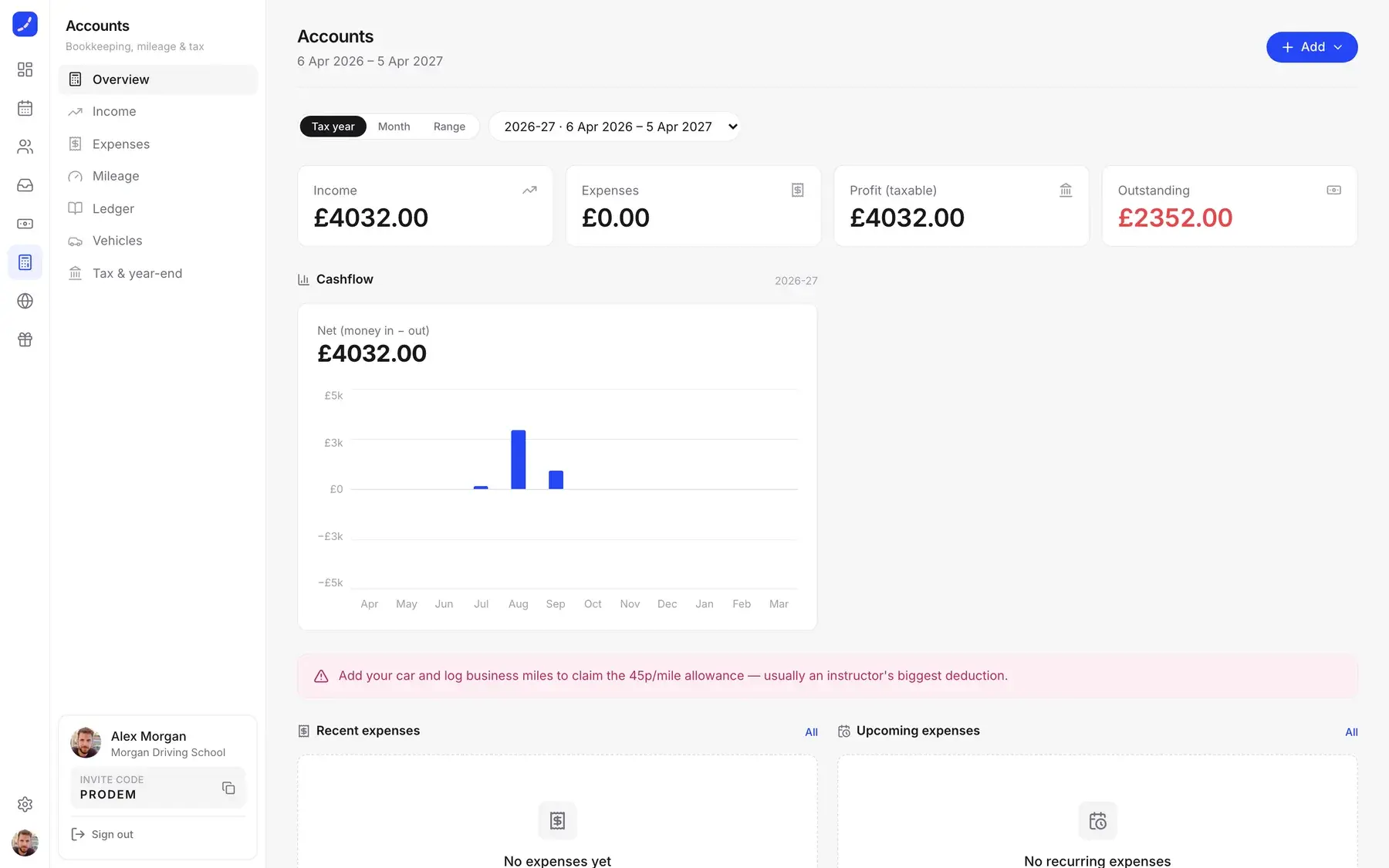
Income, expenses and mileage, ready for the end of the tax year.
Instructor websites
Each instructor gets a site that sends new enquiries straight into their pipeline.
Marketing site
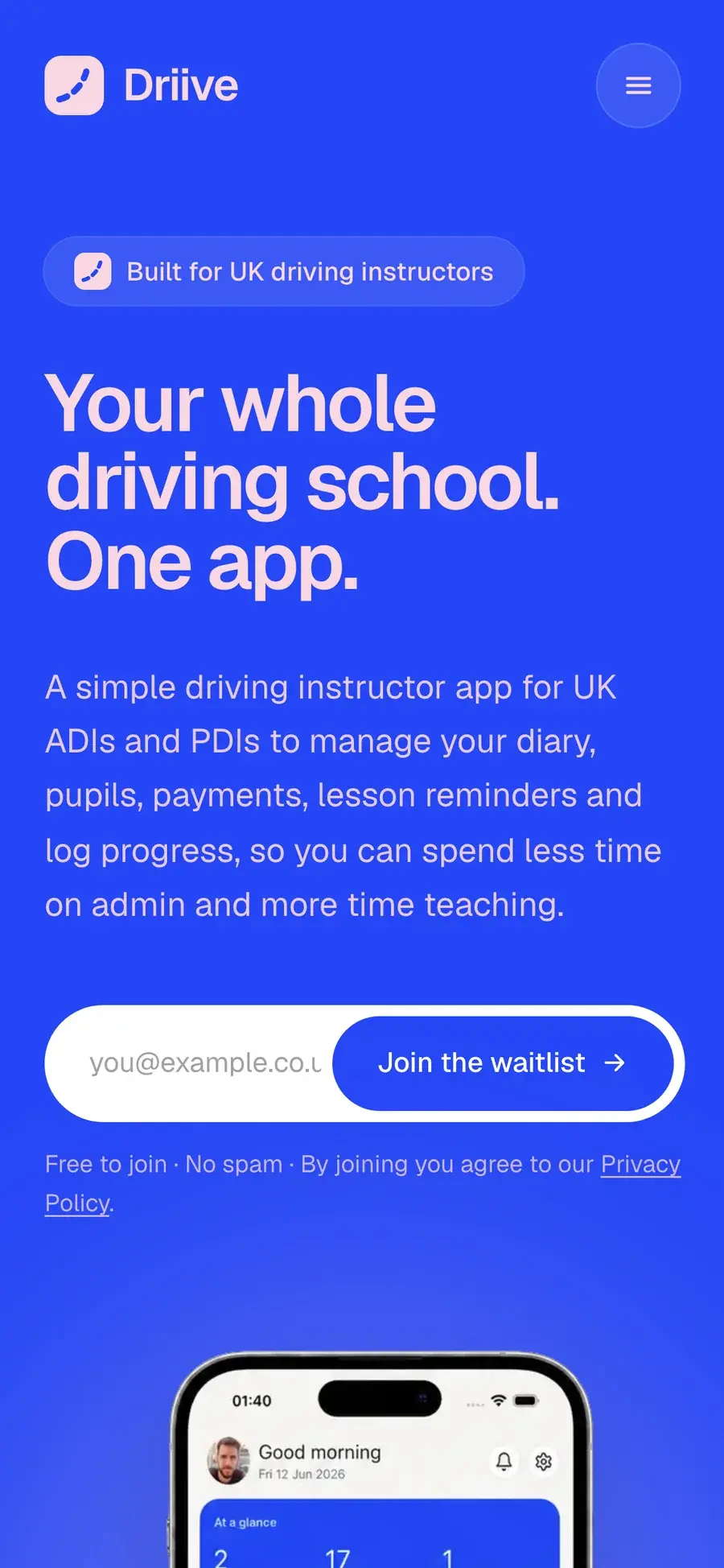
driive.app, with a waitlist to build demand before launch.