Answer the three questions people arrive with
Visitors arrive with a few questions and leave if the first screen ignores them. How we built Quackr's homepage around which country, which app and how much.
- Written by
 MohammedCo-founder and CEO
- From the build
 Quackr
- Topic
- Growth
- Published
- · 2 min read
The short version
- Most visitors arrive with the same few questions. Find them.
- Answer them on the first screen, in the order people ask them.
- Put trust and detail one scroll down, for those who need it.
People rarely land on a homepage to browse. They arrive with a job and a few questions, and they leave the moment the page makes them hunt for answers.
Quackr gives people private numbers to receive SMS online, so they never hand out their real one. It has more than 3 million users, and almost all of them arrive with the same job: get a number and verify an account, fast.
Three questions, one screen
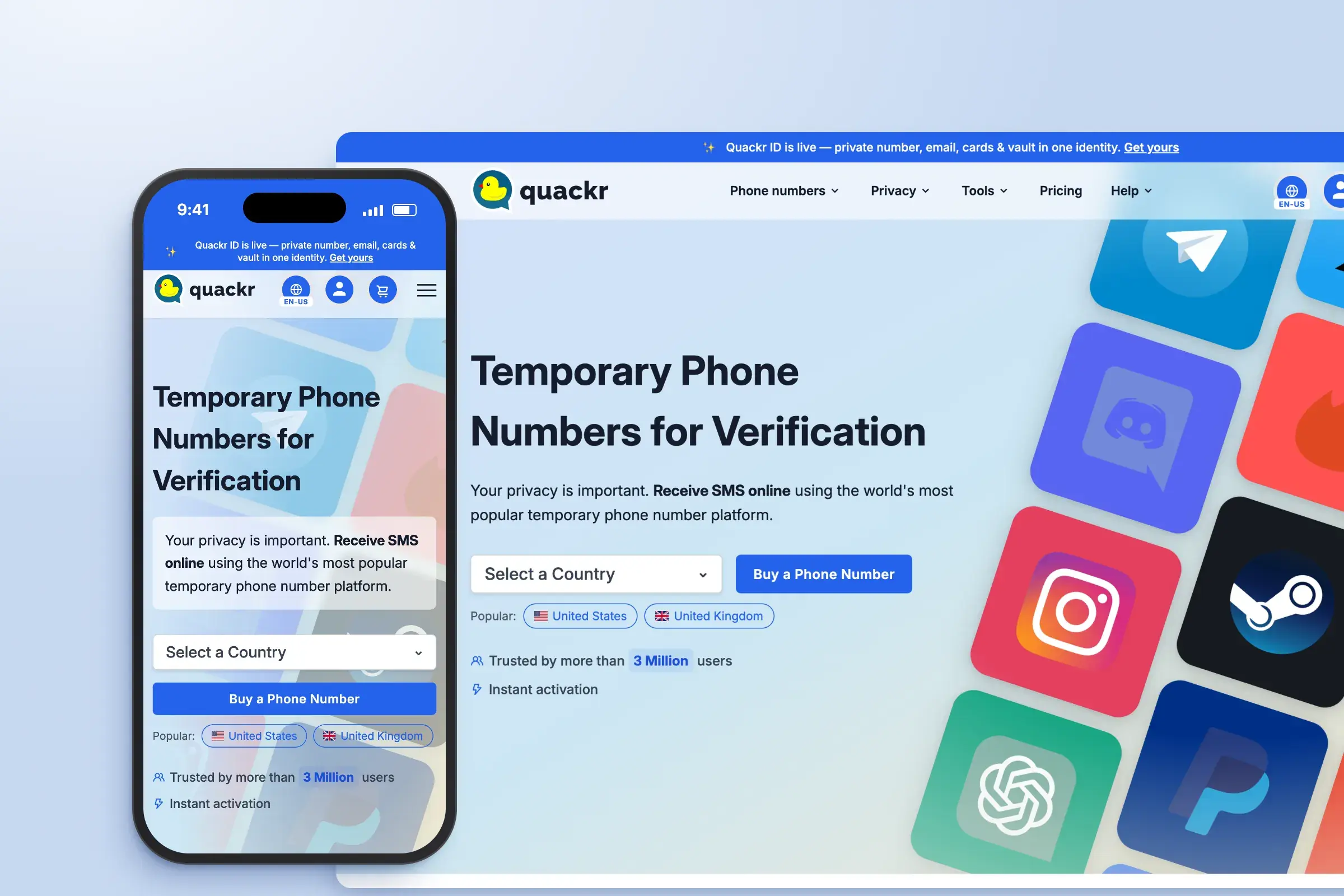
What visitors needed to know before buying came down to three questions: which country, which app, and how much? The first screen answers all three.
- Which country? A country picker sits in the hero, ready to use.
- Which app? The apps people actually verify surround it, so visitors spot theirs before they search.
- How much? The buy button sits right beside the picker, on desktop and on mobile.
Trust comes one scroll down
Some visitors are wary of paying for a phone number. For them, the next section is a board of free numbers by country, refreshed every month. People can try the service before they spend anything, which says more than any line of copy.
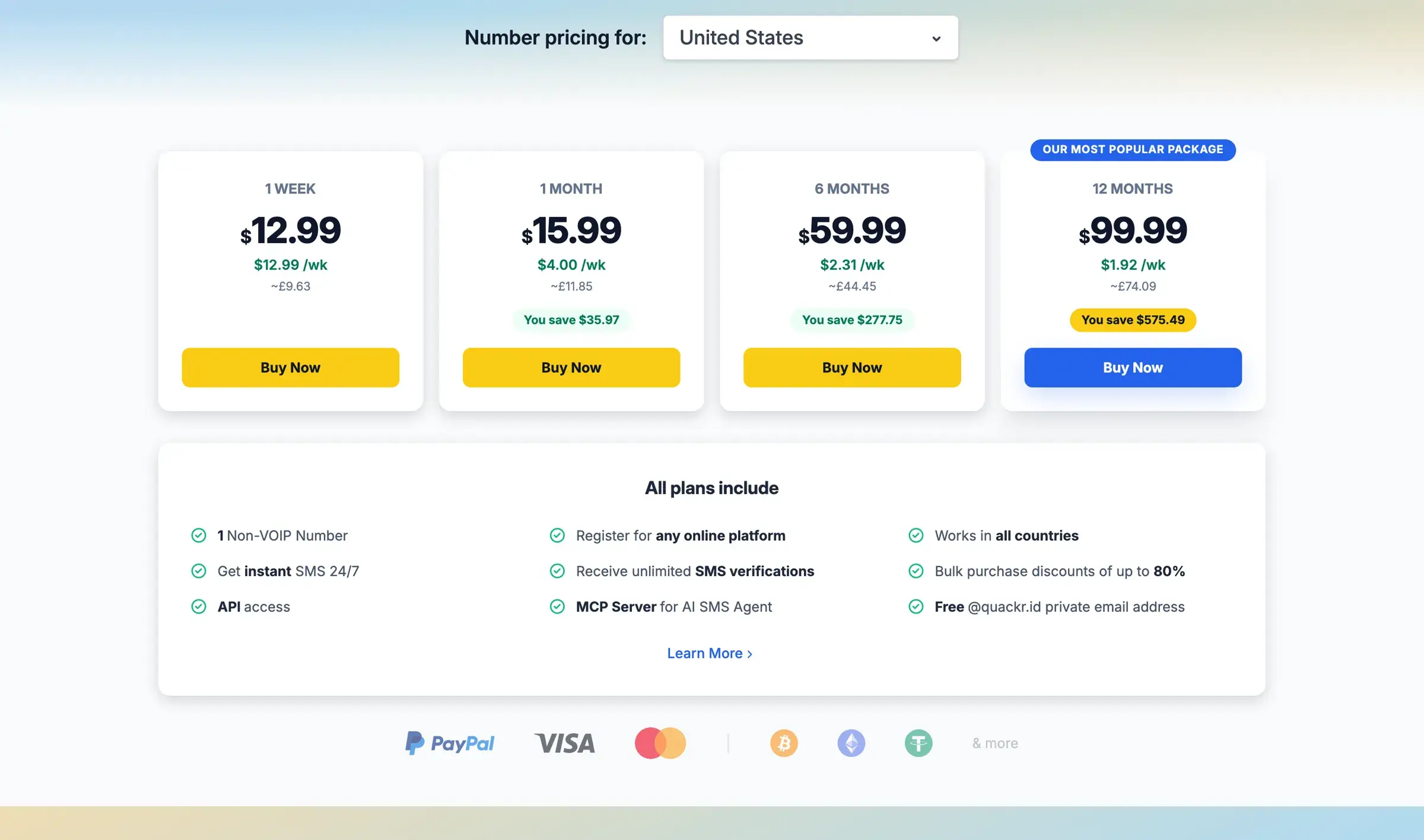
Then comes pricing: four plans, with the weekly cost and the saving under each price. Nobody has to do maths to compare them.
Even shorter: Numberly
Numberly hands out temporary US numbers for SMS codes. Its job is even simpler, so the whole app is one screen: popular services as a grid of familiar logos, search for the rest, and one button that generates a number. A short how-to sits under the button for first-timers. A generator should be quicker to use than to read about.
How to find your three questions
- Read your support inbox and your sales call notes. Write down every question asked before someone buys.
- Group them. Most products end up with three to five.
- Put them in the order people ask, and answer each one on the first screen with a control, not a paragraph.
Everything else, the story, the team, the features, can come later. People read it more happily once their questions are answered. See the Quackr build.
Keep reading
All notes AureloGrowth2 min read
One line of metadata hid 15 of our pages
A canonical tag in our root layout told Google that 15 pages were copies of the homepage. What happened, how we fixed it, and how to check your own Next.js site.
 OptroGrowth3 min read
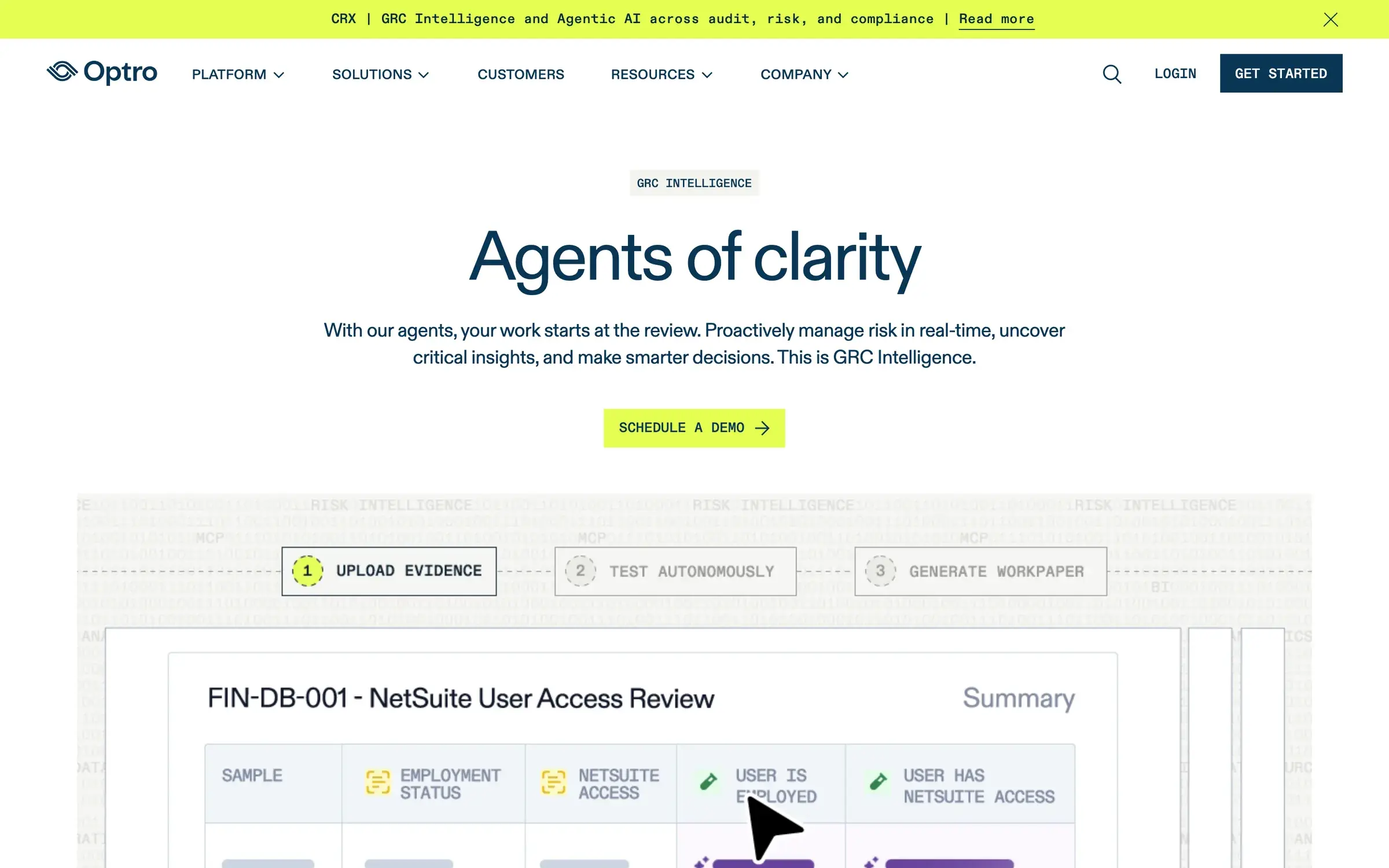
Show the product before the feature list
Buyers decide on proof, not promises. Why the first screen of a SaaS site should show the product doing its job, and how we build heroes that do.